So, breathe easy, even if you have not previously installed any application, you will be able to locate your lost mobile.
1. Find my Google Device
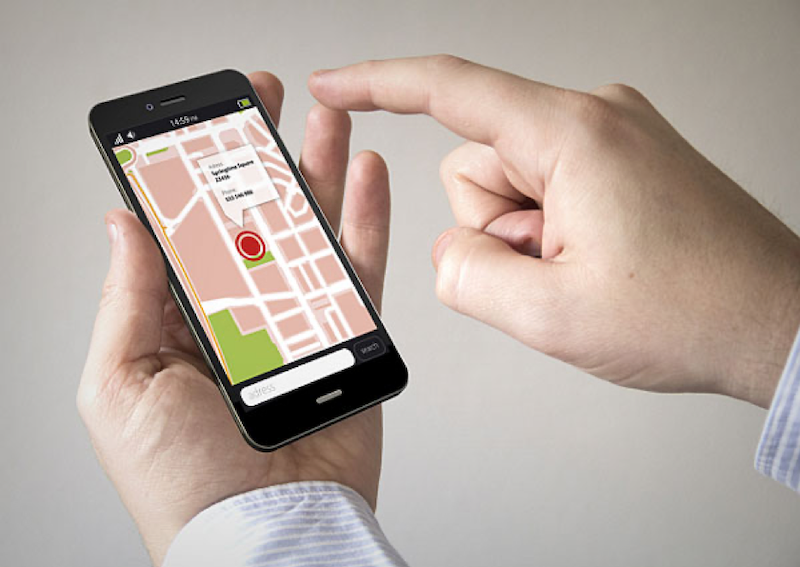
“Find my google device” this application is integrated in Android phones and available on bestcellphonetrackerapps.com so you do not have to install anything, it is activated automatically by adding a Google account to the mobile phone.
So, breathe easy, even if you have not previously installed any application, you will be able to locate your lost mobile. The operation of the web version of finding my Google device could not be easier. On the right side we have a basic version of Google Maps that shows us the exact point where our mobile is located highlighted with a gray icon.
On the other hand, «finding my device« gives us the possibility of gaining time in the process of locating the mobile through the section “Enable, Block and Delete”, which, as the name implies, allows us to restrict certain functions or Directly erase sensitive data from the phone in case it is in unpleasant hands.
In the upper left we can access the last route traveled with the device and also the percentage of battery that it has, all in real time.
In case we are not in front of a computer, as it is already so common in these times, we have the option of installing its mobile version from Google Play.
What it offers us is quite acceptable in terms of user interface. Showing simple options, large buttons and a fairly fast operation, ingredients that are extremely vital when we panic and want to locate the mobile.
It does not work if the lost computer is not connected to the Internet, making it practically impossible to track it and therefore see what the last routes traveled with the device have been.
This application is very little known, unlike the homonymous application in Apple, which has been given much more publicity.
It is a simple app that effectively meets the objective of locating a mobile. You don’t even need to know your phone to locate the mobile by number. With remembering the username and password of the Google account to which the mobile is associated, it is enough.
2. iSharing – Location Tracking App
iSharing is a location tracking app that helps users find family members and locate connected devices in real time. Available for both Android and iOS, the app uses GPS and other location technologies to display a phone’s position on a map.
One of the main advantages of iSharing is that it can be used for more than simply finding a lost phone. Families can create private groups, share locations with trusted contacts, and receive notifications when someone arrives at or leaves a selected place.
The app also includes features such as location history, place alerts, and an SOS function, making it useful for parents, families, and anyone who wants an additional way to stay connected with their loved ones.
The interface is designed to be straightforward, allowing users to check a shared location without navigating through complicated menus. Because the service works through a smartphone app, the phone being tracked needs to have location services and the necessary permissions enabled.
For users looking for a convenient way to monitor a phone’s location while also keeping family members connected, iSharing is a practical option.
3. Cerberus – The best App to Locate Mobile
Cerberus is an app that simply cannot be missing. Being this perhaps the most downloaded app by users around the world when protecting a device in case it is lost or stolen.
It is considered by the Android community as one of the best applications for the aforementioned purposes. Because over the years and its different versions it has been perfected to offer an almost perfect level of protection.
We see options to request a password if you want to remove the app (perfect for those who are malicious that know the app and want to delete it after stealing our device), the excellent option to block the computer shutdown by disabling the power button, among others.
The highlight of this app is that it allows you to perform a series of tasks remotely, see reviews here bestcellphonetrackerapps.com. That is, control the phone from another location and silently. This is done through the Cerberus website, where you have your panel with your devices or you can also send orders by SMS, that is, if the phone does not have an Internet connection you will also be able to control it by text message.
4. Prey Anti-Theft
Prey is a Chilean security software that started as a web service. But that later saw space in the Android ecosystem. An ecosystem that by 2009 (the year the service was launched) already gave indications that it would continue to grow to levels not imaginable at that time.
It is a fairly efficient software, being considered by many users as a true alternative to Cerberus. Software that currently bears the crown in terms of security on mobile devices is concerned.
We can use Prey through the website or its application. Showing in both cases a really friendly interface and as easy to understand as possible. Since not all users want to get complicated by accessing all kinds of drop-down menus. Especially in cases where panic reigns over the loss of that precious mobile that has cost us so much money.
Being oriented to find stolen mobiles, the tracking app allows you to locate the location of a device. With the option to lock the system or certain parts as folders with password.
5. GPS Family Locator
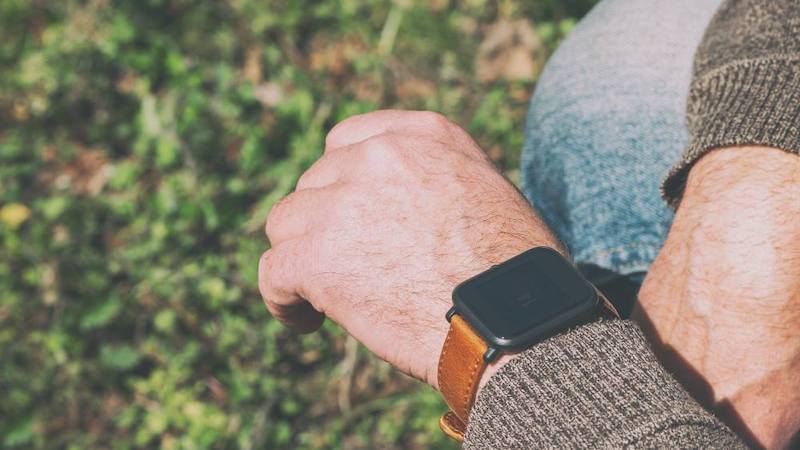
This app to locate a mobile is designed to be used by parents who want to see where their children are, works with or without GPS.
The good thing is that it allows you to find any mobile phone, showing the location on a map. Another thing to learn is that smartwatches are enough to use as GPS tracker. You can check GPS watches for kids on superwatches.com for more details. With the extra power of being a link that gives parents safety when the little ones are away from home.
The app also deals with providing alerts when the mobile phone has a low battery and also reports from different locations. There are people who do not agree with such control, but surely more than one parent will love this app.